

Voice → carousel

One idea in. A whole carousel out.

Say the thought out loud. SoMic writes the slides in your voice, sets the type, picks the look — and hands back a carousel that reads like a designer touched it.

Free to start

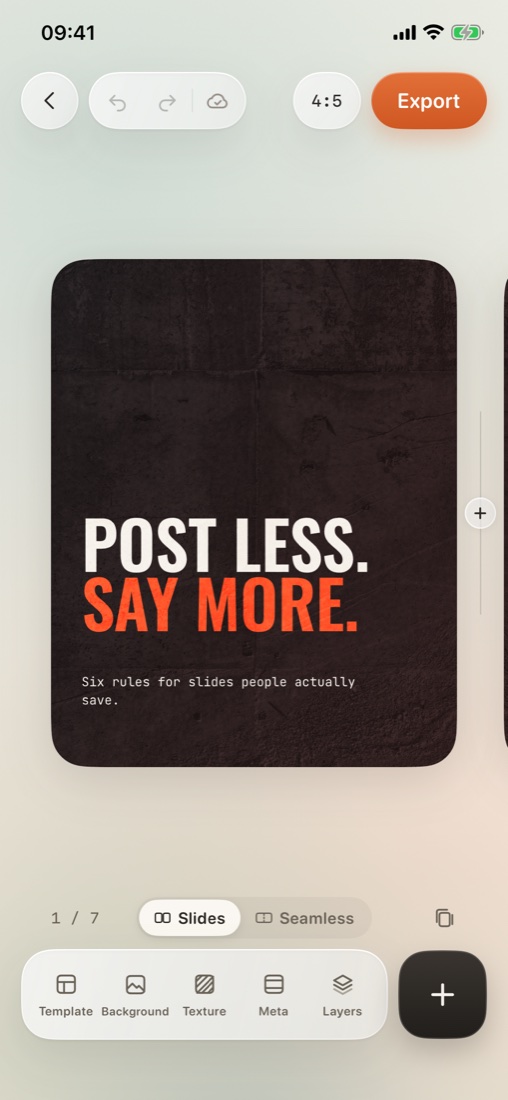
The SoMic editor with a styled carousel
More in the app

Real slides, drawn by the app. Same words in every style.

  1. 01 · Voice

    Think out loud.

  2. 02 · The hook

    SoMic keeps the point.

  3. 03 · The cover

    Your words, on the cover.

  4. 04 · Writing 7 slides

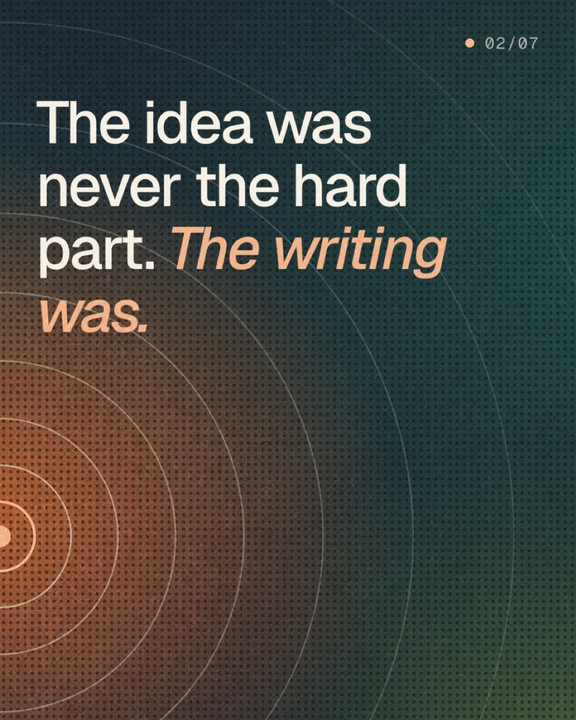
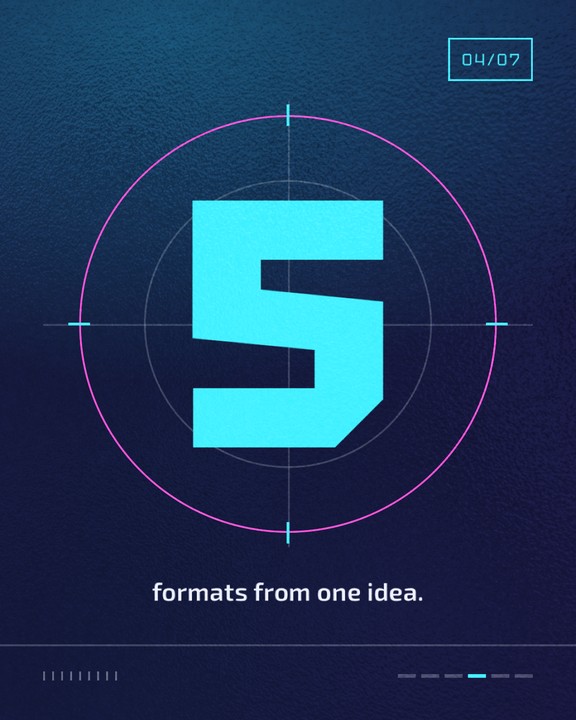
    One idea. Seven slides.

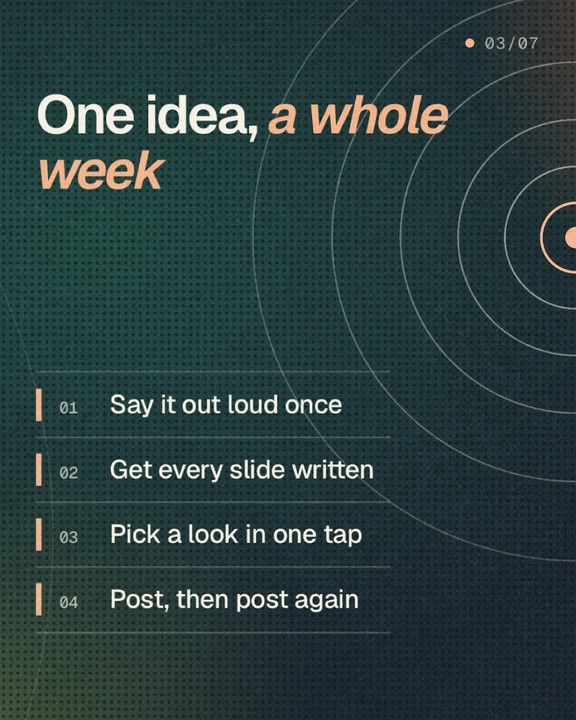
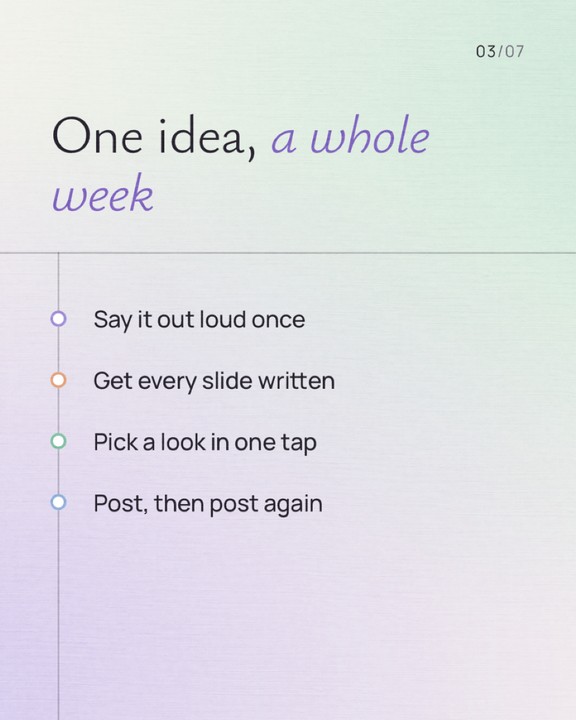
Say it once. Post all week.

Seamless

One picture. Every swipe.

Lay one image, one gradient, one headline across the whole carousel. It flows over the seams in the feed — and still reads slide by slide.

Styles

One idea, every look.

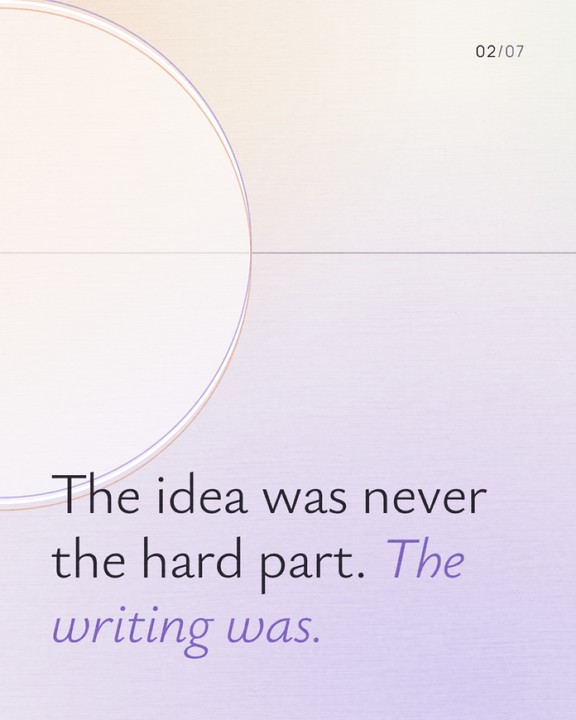
Each style is a whole art direction — type, grid, palette, texture. Switch it and the carousel re-composes around your words. Nothing gets cropped.

More in the app

Real slides, drawn by the app. Same words in every style.

How it works

From voice note to post.

01

Speak the idea

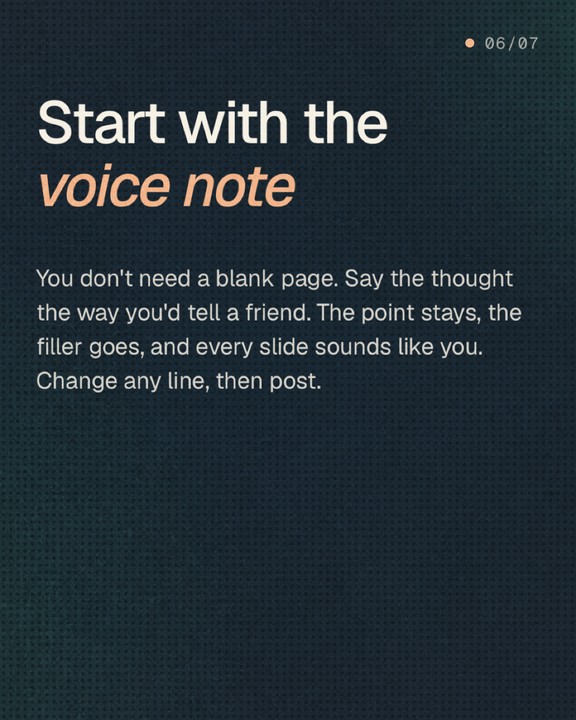
Hold the bubble and talk it through — or paste a rough line. SoMic finds the through-line and cuts the filler.

Voice or textAny language you speak
02

It writes like you

Your context — niche, tone, audience — shapes every slide, so the post sounds like you on a good day, not like a template.

Hook, body, closeReady to edit
03

Edit it, post it

Change any word or layer, then save to Photos, share as a PDF or export a video.

Every word editablePhotos · PDF · Video
9:41
×
Shaping your idea
Reading it through
0:00
9:41
×
Building your carousel
One voice note, a week of posts
Writing 7 slides0:01 · usually 10–15 s
✓Ready · 7 slides

↻
Open editor →
9:41

Ready to post
7 slides ready · 4:5 · 2160 × 2700
⇪Share
▤PDF
▶︎Video

Inside

Everything a post needs. Nothing it doesn’t.

Your voice, kept

Tell SoMic who you are once. Every carousel is written against your niche, tone and audience.

Edit everything

Every word, every layer, every photo. Bring your own fonts and save a look as your style.

Texture and light

Real paper, concrete and grain. Gradients that run across the whole carousel.

Three formats

Portrait, square and story. Slides re-flow to the size — they are never cropped.

Post anywhere

Save slides to Photos, share a PDF, or turn the carousel into one gliding video.

Ideas on tap

Stuck? The Ideas deck suggests topics from your own context, ready to shape.

FAQ

Straight answers.

A finished carousel: written slides with a style applied, ready to save and post. You can edit every word and every layer before you export.

No. Voice is the fastest way in, but you can paste or type a rough note and get the same result.

SoMic writes against your own context — niche, tone, audience — and avoids the stock carousel rhythm. Most people change a line or two, not the whole post.

Portrait 4:5, square 1:1 and story 9:16. The slides re-flow for each size instead of being cropped.

SoMic is free to start, no card needed. SoMic Pro unlocks more generations and the Pro tools — Seamless, textures, your own fonts and video export.

Your content is yours. AI processing starts only after you allow it in the app, and you can delete your account and cloud data in Settings. Details in the Privacy Policy.

SoMic app icon

You bring the idea. SoMic brings the polish.

Say a thought today and watch it leave as a finished carousel — in your voice, ready to post.

Download on the App Store